Record your screen.
Savanna tells the story.

On-device AI writes the narration and reads it aloud, right on your Mac.

Download for MacRequires macOS 26 Tahoe or later · Apple silicon

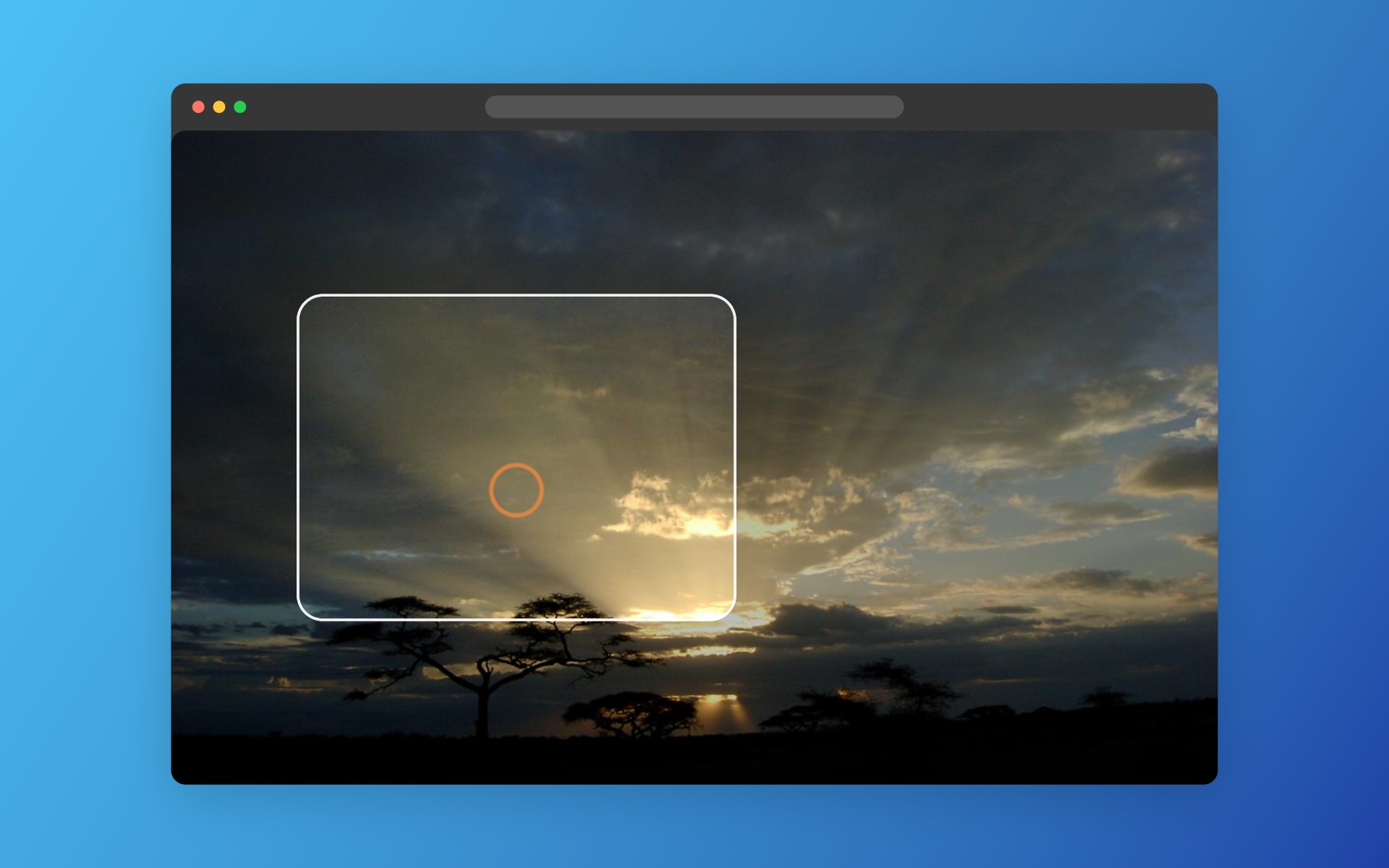
Record all of it, or a corner

Press ⇧⌘1 for the whole screen or ⇧⌘2 to drag out a region. Talk if you like; Savanna listens.
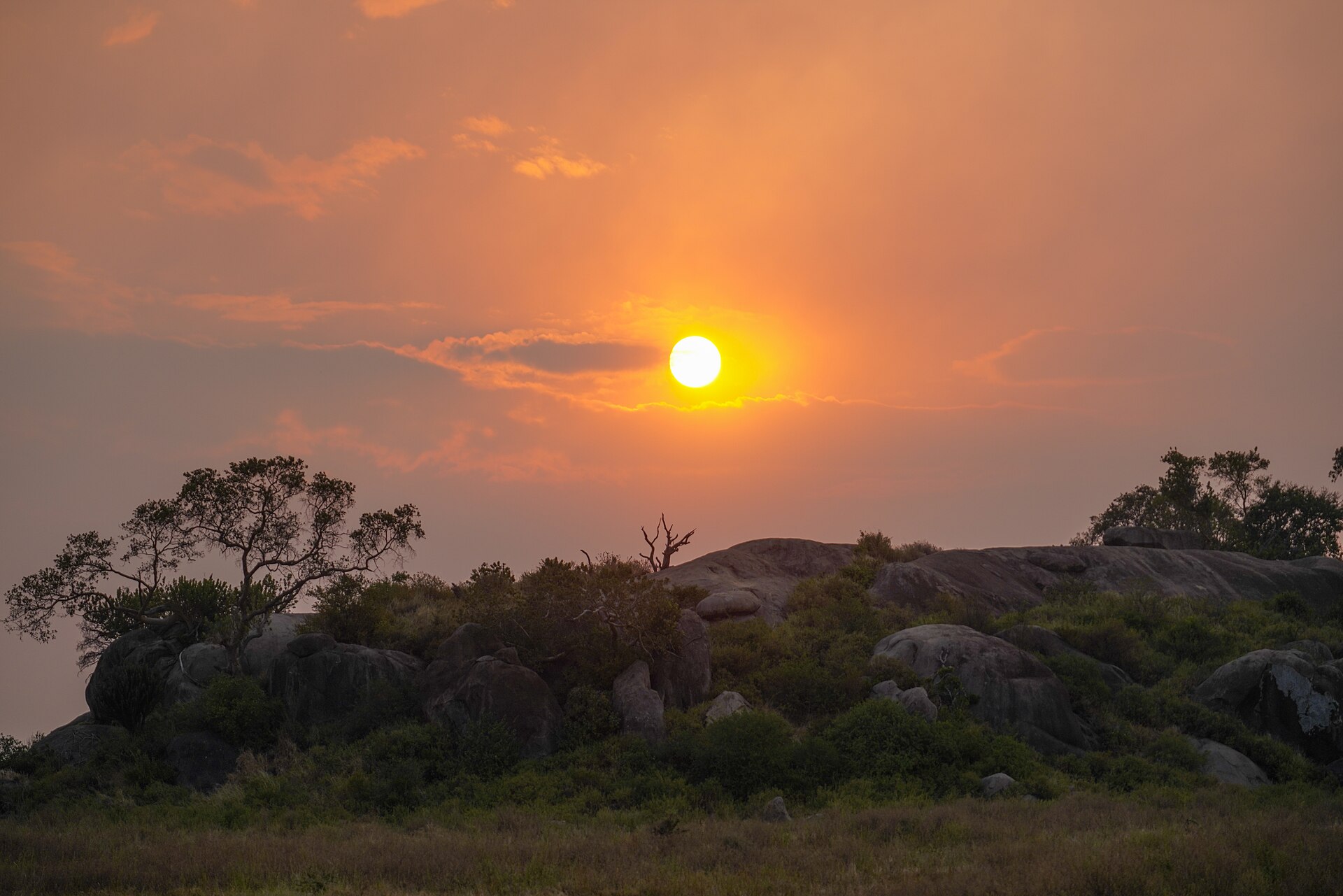
A recording in progress over a photo of a Serengeti sunset
1280 × 720
0:42
Download for MacRequires macOS 26 Tahoe or later · Apple silicon

It writes what to say

On-device Apple Intelligence reads your screen and what you said, then drafts timed lines you can edit.

Script 3 lines · Presentation
0:00.3

Meet Notely, the notes app that sorts your ideas for you.

0:06.1

Drop in a link and it files itself under the right project.

0:12.4

Search finds a thought by its meaning, not just its words.

Download for MacRequires macOS 26 Tahoe or later · Apple silicon

Then a voice reads it

54 lifelike voices built in, Apple voices in 49 languages, or a clone of your own voice. All on your Mac.

HeartNaturalEnglish (United States)
Meet Notely, the notes app…
Drop in a link and it…
Search finds a…
Download for MacRequires macOS 26 Tahoe or later · Apple silicon

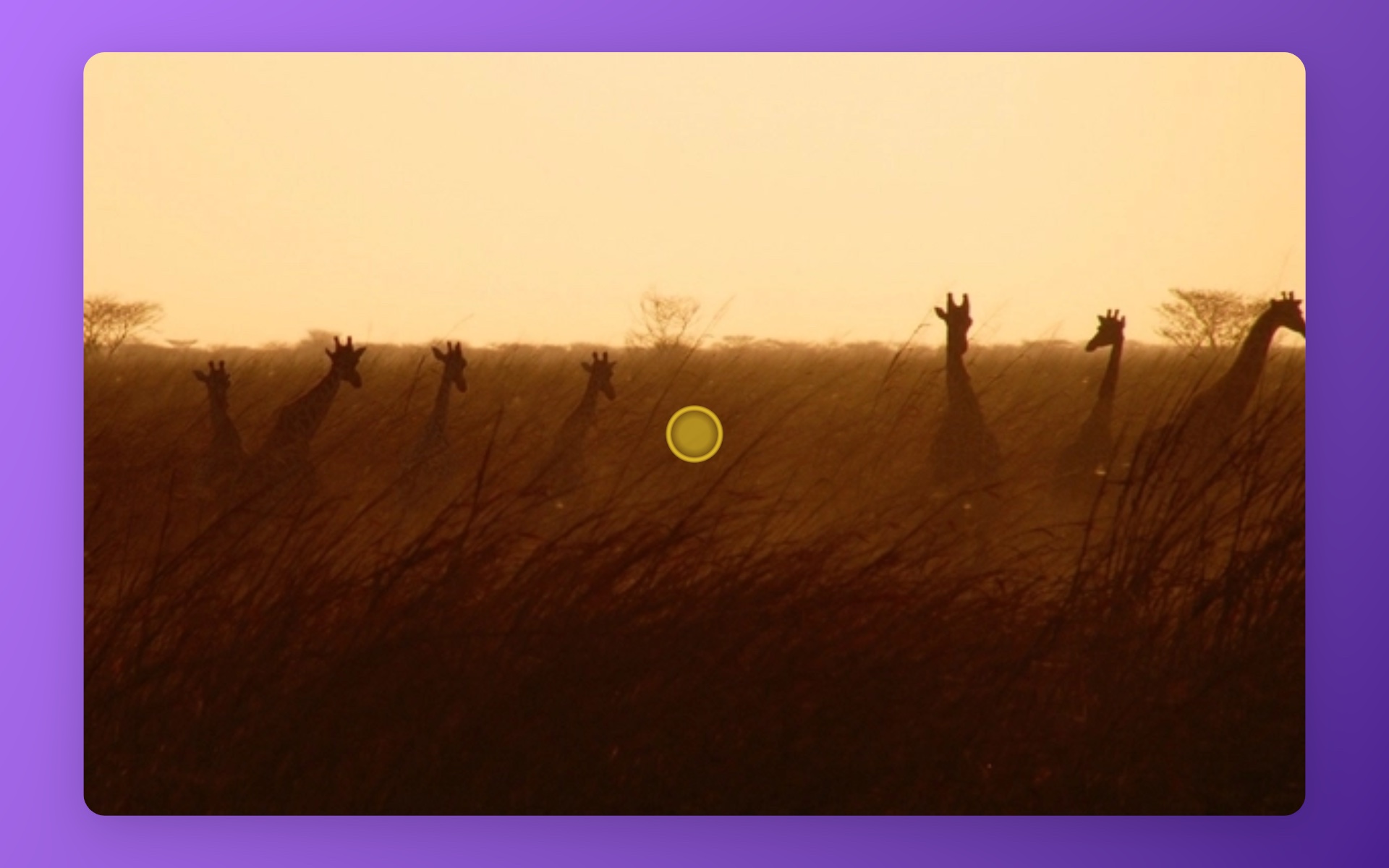
Zoom in where you click

Zooms follow your clicks or your pointer. Text, blur and highlights are one click from the timeline.

Savanna output: a zoom toward a click, with a yellow pulse, framed on a gradient
Download for MacRequires macOS 26 Tahoe or later · Apple silicon

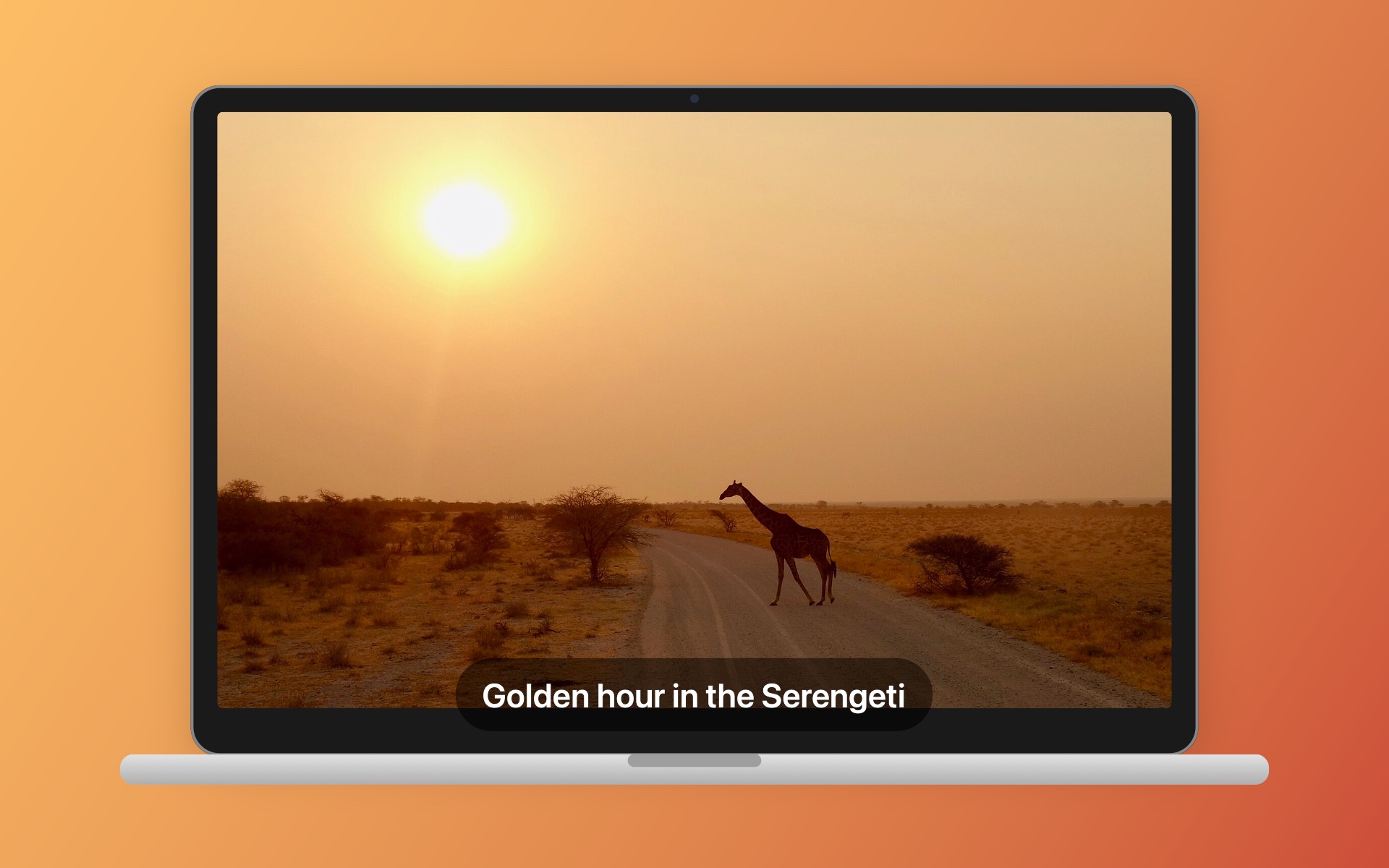
Save it anywhere you like

MP4 or HEVC, framed on a MacBook, a browser or an iPhone. The library remembers where every video went.

Savanna output: a video framed on a MacBook with a caption

From take to film

Recording, Oct 180:42 · Draft

First, you just record.

Notely in a minute0:42 · 3 lines written

“Meet Notely, the notes app that sorts your ideas for you.”

Then AI drafts the script.

Notely in a minute0:42 · Ava, Premium

Then a voice reads it.

Notely in a minuteSaved · 38 MB

~/Movies/Notely in a minute.mp4

Then it lives where you want.

Press record.

Every Savanna video starts with this button. Go on, it works.

One-click edits

Every effect lands at the playhead with good defaults. Drag to adjust it, or don't.

Dress it for the room

  • On a MacBookfor launch videos
  • In a browser windowfor web apps
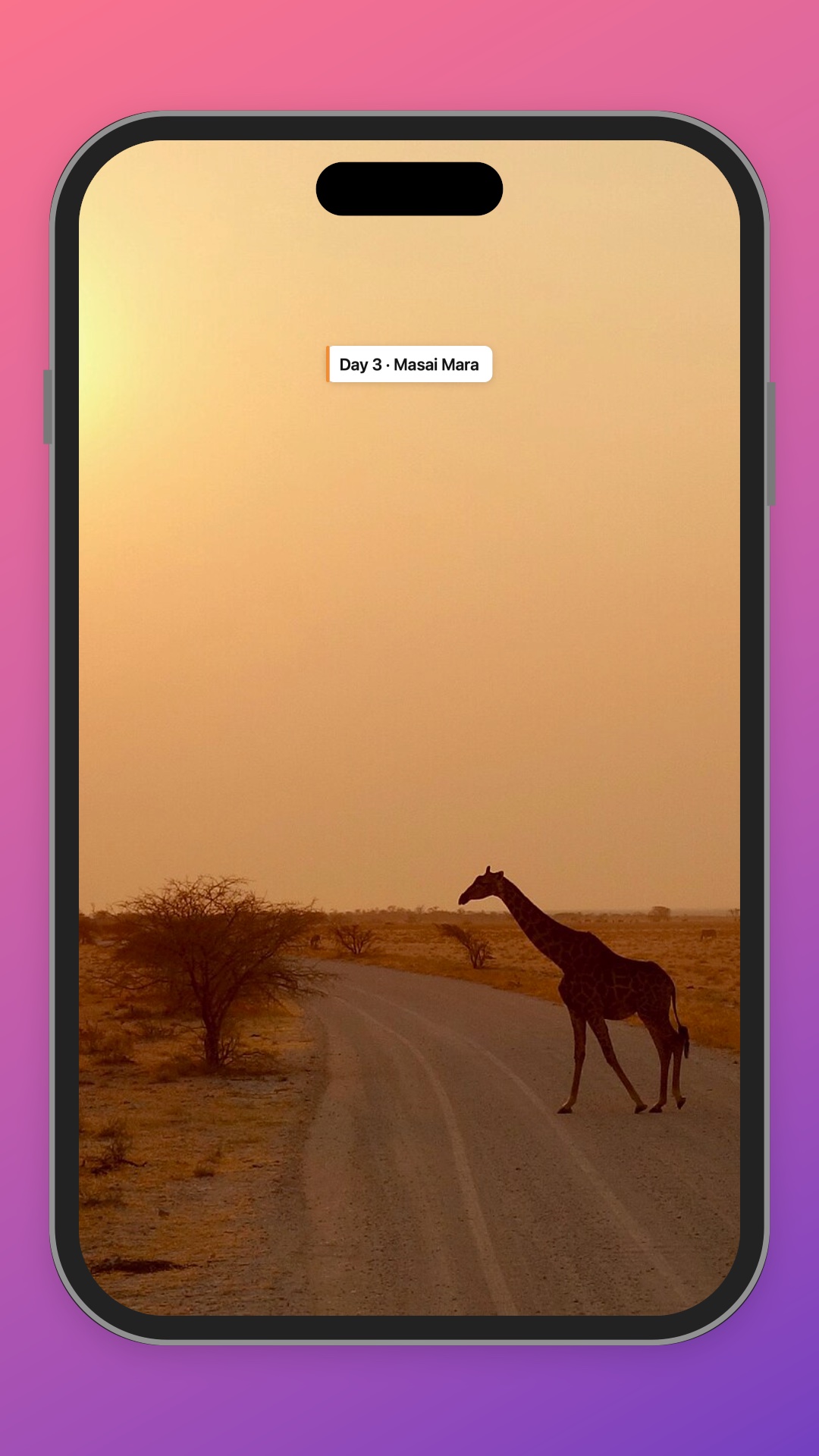
  • On an iPhonefor tall regions
  • On a soft fieldfor everything else
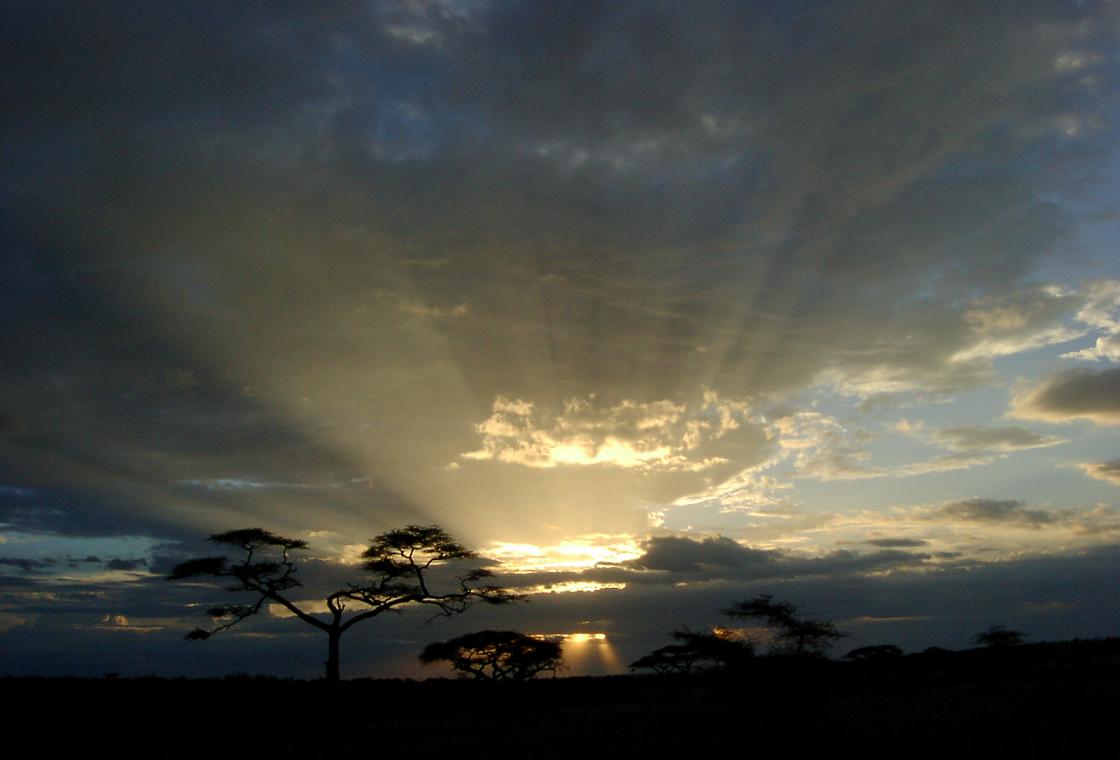
The sun setting over a rocky kopje in the Serengeti

Why Savanna

Named for the hour the grassland turns gold and the story tells itself. It does that for your screen.

How long is your demo?

396words

Savanna's voices speak about 2.2 words a second, so that's the narration it drafts for you, timed to what happens on screen.

Fair questions

Does my recording leave my Mac?

No. Recording, transcription, the AI script and every voice run on your Mac. Natural voices and voice cloning download once, then work offline.

What do I need to run it?

A Mac with Apple silicon (M1 or later) on macOS 26. AI scripts need Apple Intelligence turned on; recording, editing, voices and export work on any Mac that runs macOS 26.

Which languages can it narrate in?

Any language with an Apple voice on your Mac, 49 on a standard install. The AI writes the script in the language you pick, even when your screen is in another one.

Can it use my own voice?

Talk while you record and Savanna turns your words into polished, timed lines. You can also narrate with your Personal Voice, or clone your own voice: read a short paragraph aloud and Savanna sets everything up for you.

Can I write the script myself?

Every line is editable, and you can add a line anywhere on the timeline. The AI gives you a first draft, never the last word.

Where do my videos go?

Wherever you save them, as MP4 or MOV. The library keeps track of each one, even after you move the file.

What if a clip is too short to explain?

Savanna won't guess. If a clip is tiny and silent, it asks you for a few words about it before writing anything.

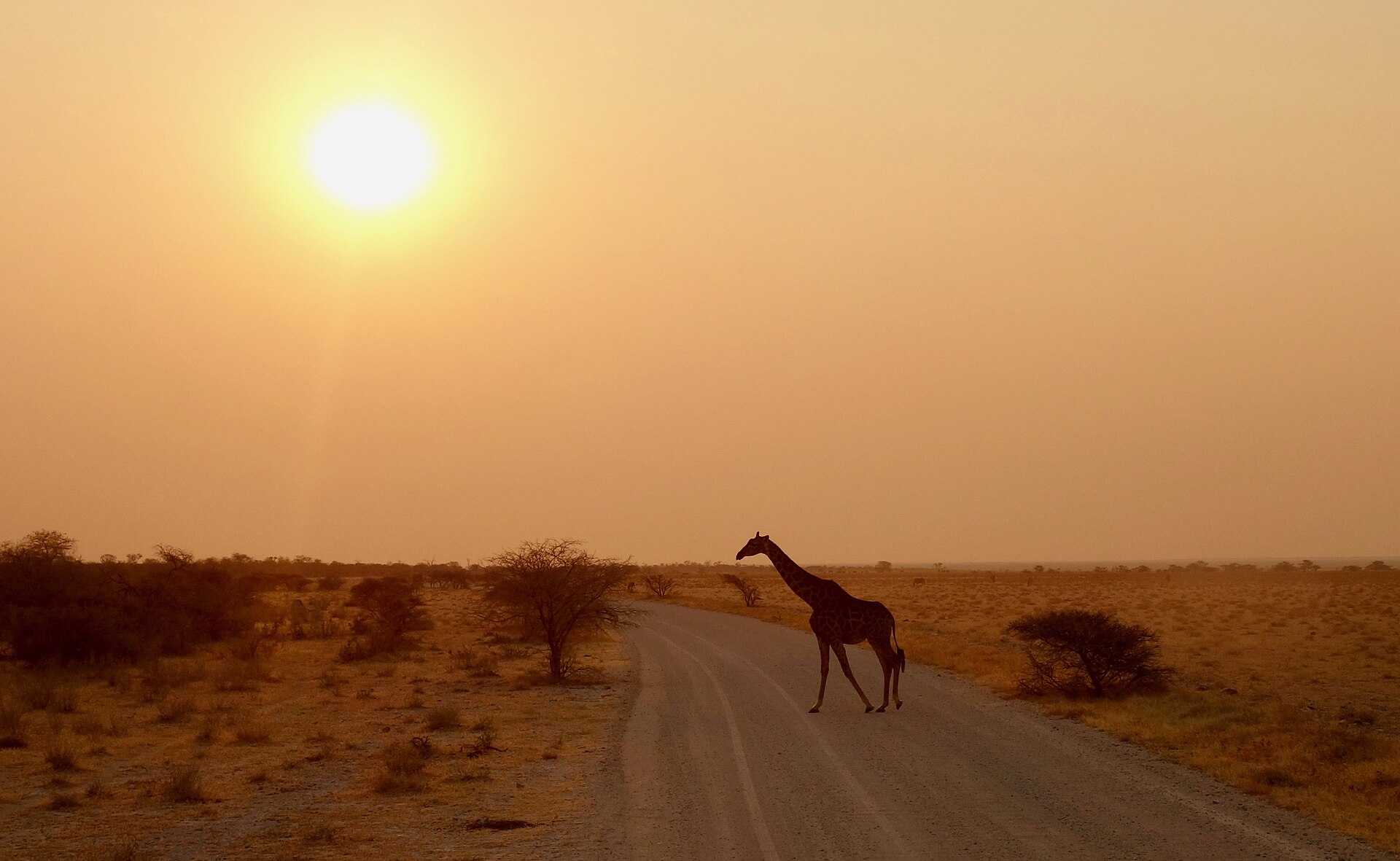
A giraffe crossing a dirt road at sunset

Make your first film tonight

Savanna is a native Mac app. Download it, press ⇧⌘1, and talk.

Download for MacRequires macOS 26 Tahoe or later · Apple silicon

Free download. Release notes